Course overview.
We work through real briefs (a social campaign, a poster for an event, an internal newsletter banner, slide visuals for a leadership deck) and build the editorial muscle for telling when AI design output is on-brand, off-brand, or trying too hard. The point isn't to replace designers; it's to give non-designers a credible starting point.
Who it's for.
Marketing professionals, internal communications teams, social media managers, executive assistants who produce decks and visuals, small-business owners doing their own marketing, and anyone whose role includes producing visual output without access to a dedicated design resource.
What you'll learn.
Designer fundamentals and the brief
The Designer interface, generation patterns, image editing, brand-kit setup. We work from real briefs — social post, event poster, presentation visuals — and learn the prompting habits that produce coherent output rather than the typical AI-generated mess.
Brand discipline in AI-generated work
How to set up brand kits, palette controls and template patterns so Designer output stays consistent with your organisation's visual identity. Plus the editorial eye for spotting the typical AI-design tell signs and avoiding them.
From Designer to publishable
Designer is the start, not the end. We cover the export and finishing workflow — sizing for different platforms, accessibility checks (alt text, contrast), and the integration with Word, PowerPoint and the Outlook outbound communications you'll actually send.
Course overview.
Learn how to use Microsoft Designer to create professional graphics, visual content and branded assets using a combination of intuitive design tools and AI-powered features. Across two days, you'll explore how to generate and edit images, create layouts, develop social media graphics and transform ideas into polished visual content. The course focuses on practical workplace applications, helping you produce high-quality designs quickly without requiring advanced graphic design experience.
Who it's for.
This course is designed for business users, marketing professionals, administrators, educators and anyone who needs to create engaging visual content for work or online communication. It is suitable for beginners as well as existing Microsoft users who want to develop practical AI-assisted design skills. No previous graphic design experience is required, although basic computer skills are helpful.
What you'll learn.
You'll learn how to use Microsoft Designer to create graphics from ideas and prompts, edit and enhance images, remove or replace backgrounds, create layouts and develop consistent visual content. You'll explore AI-assisted image generation, templates, typography, visual composition and resizing for different formats, while learning how to create presentations, promotional graphics, social media content, posters and branded business materials. The course also covers practical techniques for refining AI-generated content and producing professional final designs suitable for real-world use.
This course is fully fundable through ReACT+.
If you've been made redundant or are facing redundancy in Wales, the Welsh Government's ReACT+ scheme can fund up to £1,500 toward this course — plus childcare, travel and accommodation expenses. We'll handle the application.
Benefits of Attending This Course
Learn how to create professional visual content using Microsoft Designer and AI-powered features. Develop practical design skills that improve communication, strengthen your brand presence and help you produce engaging digital materials with confidence.
Ascent Training Wales · Bridgend.
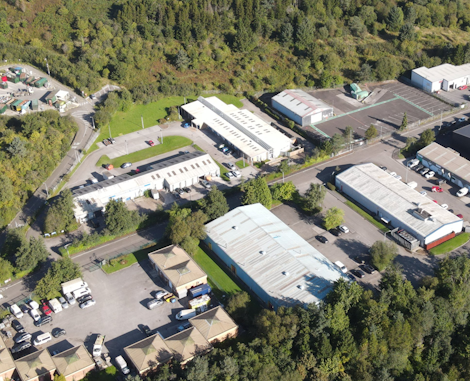
Our conference room is purpose-built for effective training — bright, modern, and fully equipped for workshops, seminars and accredited sessions.
Llynfi Enterprise CentreHeol Ty Gwyn Industrial Estate
Maesteg, Bridgend, CF34 0BQ
Create Professional Designs with Microsoft Designer
Develop Creative Design Skills
Learn how to use Microsoft Designer to create engaging visuals, graphics and professional content with ease.
Use AI to Enhance Creativity
Discover how AI-powered design tools can help generate ideas, improve layouts and create high-quality visual assets quickly.
Improve Digital Content Creation
Build the confidence to design professional marketing materials, presentations and social media content for your organisation.
Common questions.
Quick answers to what most people ask before booking. Still need help? Get in touch.
How long is the course and where is it delivered?
How much does it cost and what's included?
When is the next date available?
Is this course eligible for ReACT+ funding?
Can you deliver this course in-house for our team?
From the classroom.
Our Bridgend venue is purpose-built for working learning — bright, modern, configurable for cohorts of four to twelve, with quality AV throughout and free parking right outside.
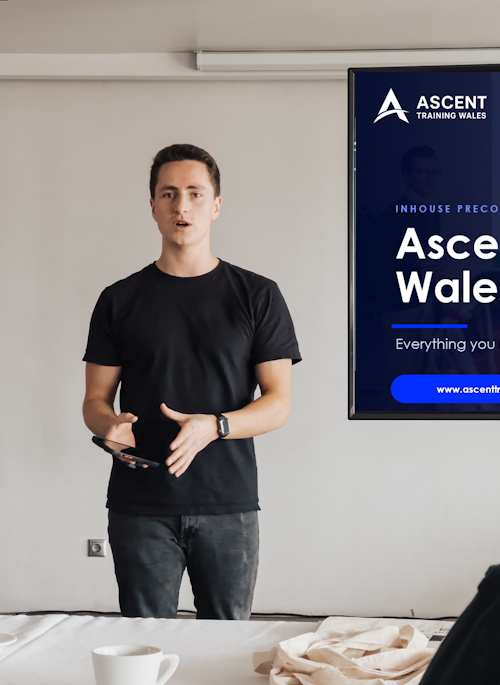
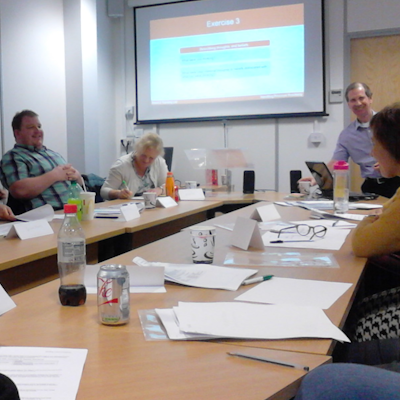
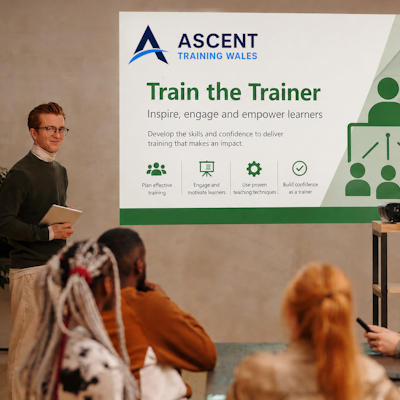
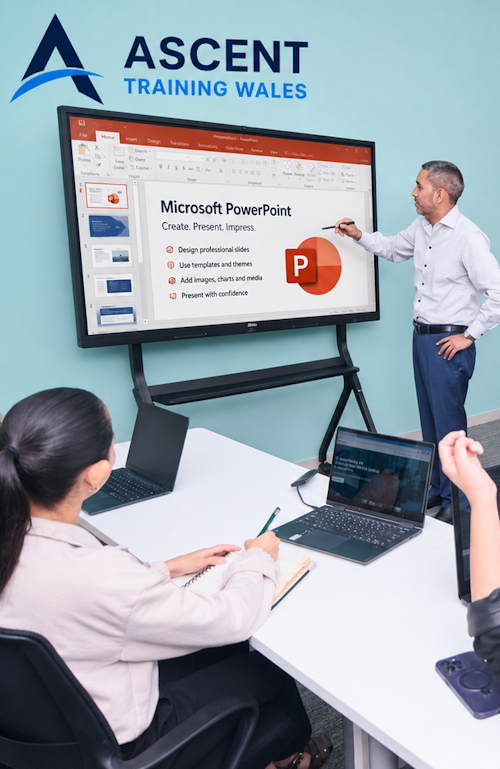
Llynfi Enterprise Centre · Bridgend · More about our venue →
More in Computing.
Courses that pair well with Microsoft Designer, or that your team often takes as a sequence.


Ready when you are.
Book Microsoft Designer for £275 a seat, or send us a brief and we'll come back with a tailored in-house quote for your team within two working days.