Course overview.
Our Microsoft Project Beginner to Advanced courses are designed to help you develop your project planning and management skills at every stage, from learning the fundamentals to mastering more advanced features and techniques. You will learn how to create and manage project plans, schedule and organise tasks, manage resources, monitor progress, and use project data to support effective decision-making.
Through practical exercises and hands-on activities, you will build the knowledge and confidence to use Microsoft Project effectively, helping you plan, manage, and track projects more efficiently.
Delegates join us from Cardiff, Newport, Swansea and across South Wales. Choose a scheduled classroom date at our Bridgend training venue, join live online, or book the Microsoft Project course in-house at your own premises anywhere in Wales or the UK.
Who it's for.
These courses are suitable for individuals at a range of skill levels, from those who are new to Microsoft Project to more experienced users looking to develop and expand their knowledge. They are ideal for project managers, team leaders, coordinators, and anyone involved in planning, managing, or monitoring projects. Whether you are learning the fundamentals or exploring more advanced features, our Microsoft Project courses provide practical skills to help you manage projects with greater confidence and efficiency.
Microsoft Project Beginner Course overview.
Learn the fundamentals of Microsoft Project and develop the skills needed to plan, organise and manage projects more effectively. This beginner-friendly course introduces you to the Microsoft Project interface and the essential tools used to create project plans, schedule tasks, manage resources and monitor progress.
You'll work through the complete project planning process, starting with creating a new project and building a structured task list. You'll then learn how to set durations and dependencies, create a project schedule, assign resources and establish a clear baseline. The course focuses on practical project management workflows that can be applied to real projects in a wide range of industries.
Who it's for.
This course is designed for complete beginners who are new to Microsoft Project, as well as project team members and professionals who want to develop a stronger understanding of project scheduling and planning. It's suitable for project coordinators, administrators, team leaders, managers, engineers and anyone involved in organising project activities.
No previous Microsoft Project experience is required. A basic understanding of project management concepts can be helpful, but the course starts with the fundamentals and gradually builds your confidence in creating and managing project schedules.
What you'll learn.
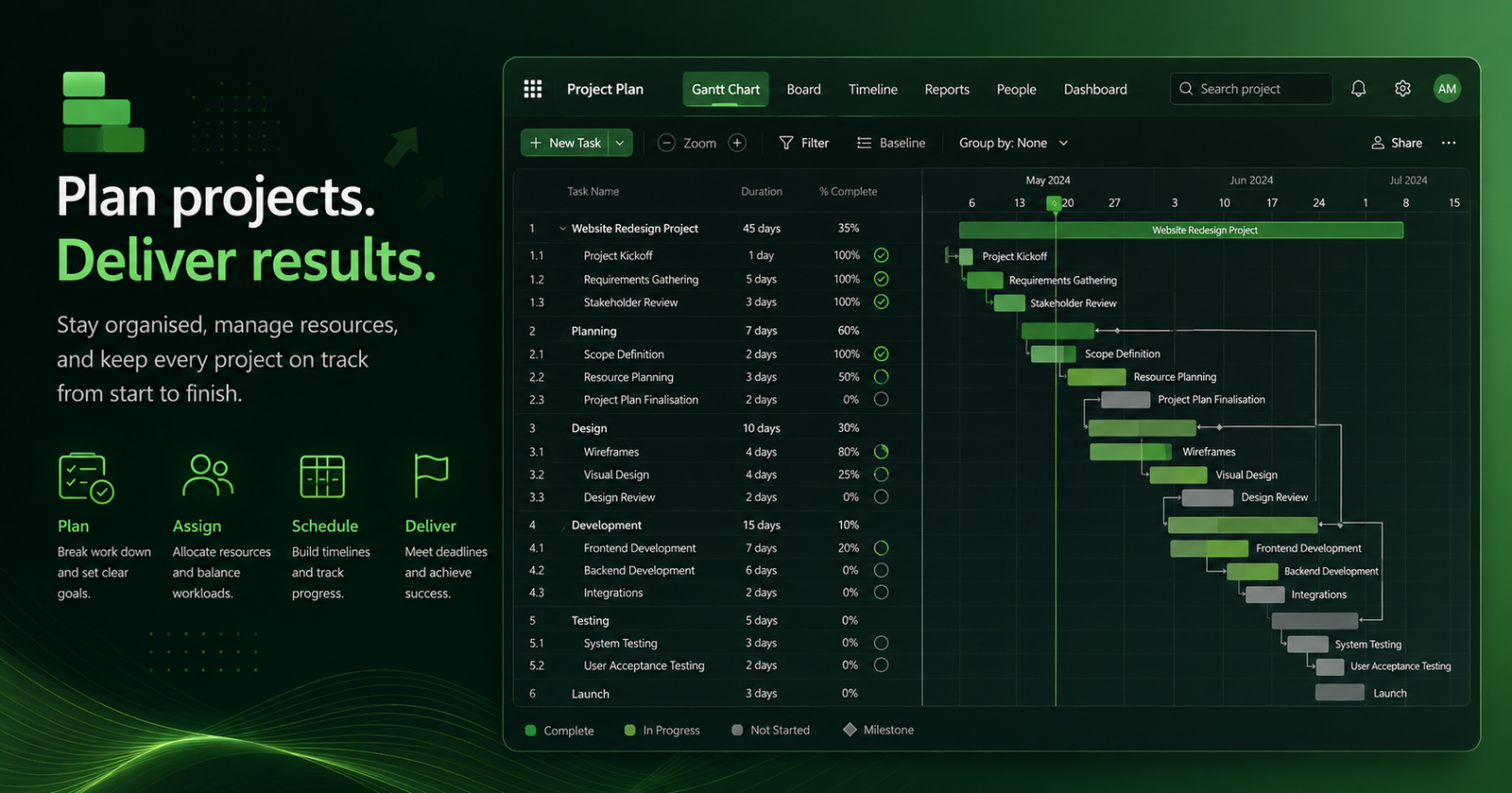
You'll learn how to create and set up a project in Microsoft Project, enter and organise tasks, define task durations and create dependencies between activities. You'll work with Gantt Charts to visualise the project schedule and understand how changes to tasks can affect the overall project timeline.
You'll also learn how to create and assign resources, including people, equipment and other project resources, and understand how resource allocation affects your schedule. You'll explore calendars, milestones, task constraints and project baselines, giving you the tools to build a structured and realistic project plan.
By the end of the course, you'll understand how to monitor project progress, compare actual performance against your original plan and identify potential scheduling issues. You'll be able to create professional project schedules, manage resources and use Microsoft Project's core tools to support effective project planning and control.
Microsoft Project Intermediate Course overview.
Build on your existing Microsoft Project knowledge and develop the skills needed to create, manage and monitor more detailed project plans. This intermediate course takes you beyond the fundamentals and introduces more advanced scheduling, resource management and project control techniques that can help you manage real-world projects more effectively.
You'll learn how to build more sophisticated project schedules, manage relationships between tasks, work with resources and analyse the impact of changes on your project. The course focuses on practical project management workflows, helping you use Microsoft Project to improve planning, identify potential issues and maintain greater control throughout the project lifecycle.
Who it's for.
This course is designed for project managers, project coordinators, team leaders, planners and professionals who already have basic experience with Microsoft Project and want to develop more advanced scheduling and planning skills. It's also suitable for anyone who regularly creates project plans and needs greater control over tasks, resources and timelines.
You should already understand the basics of creating tasks, setting durations, creating dependencies and working with Gantt Charts. The course builds on these skills and introduces more advanced techniques for managing complex schedules and responding to changes during a project.
What you'll learn.
You'll learn how to create more advanced task structures using summary tasks, subtasks, milestones, dependencies and constraints. You'll explore different dependency types, task relationships and scheduling options, giving you greater control over how your project timeline is calculated and maintained.
You'll develop your skills in resource management, including assigning resources to tasks, analysing resource availability and identifying over-allocation. You'll learn how to use resource calendars, resource levelling and scheduling adjustments to create more realistic project plans while balancing workloads and deadlines.
The course will also cover baselines, tracking and progress management, allowing you to compare your planned schedule against actual project performance. You'll learn how to update task progress, analyse schedule changes, identify delays and use Microsoft Project's views and reports to communicate project status clearly to stakeholders.
By the end of the course, you'll be able to create and manage more complex project schedules, respond confidently to changes and use Microsoft Project to support effective project planning, monitoring and control throughout the project lifecycle.
Microsoft Project Advanced Course overview.
Take your Microsoft Project skills to an advanced level and learn how to manage complex project schedules, resources and project performance with greater control. This course builds on your existing Project knowledge and focuses on advanced planning, scheduling, resource management, tracking and reporting techniques used to manage demanding projects.
You'll learn how to structure complex projects, analyse the impact of changes, manage competing resources and use Microsoft Project's advanced tools to maintain control throughout the project lifecycle. The course takes a practical approach, helping you develop workflows that can be applied to large projects with multiple activities, teams, dependencies and deadlines.
Who it's for.
This course is aimed at experienced Microsoft Project users, project managers, programme managers, planners, project controls professionals and senior project coordinators who regularly work with detailed project schedules. It is particularly useful for professionals responsible for managing timelines, resources, dependencies and project performance.
You should already be confident creating project plans, managing tasks and dependencies, assigning resources and tracking basic progress in Microsoft Project. The course assumes a strong working knowledge of the software and focuses on advanced project control and analysis techniques.
What you'll learn.
You'll learn how to structure and manage complex project schedules using advanced task relationships, constraints, milestones, deadlines and multiple project phases. You'll explore how to analyse critical paths, identify schedule risks and understand how changes to individual activities can affect the wider project timeline.
You'll develop advanced resource management skills, including analysing resource capacity, resolving over-allocation and balancing workloads across complex schedules. You'll explore resource levelling, alternative assignments, calendars and scheduling scenarios to create more realistic and achievable project plans.
You'll also learn advanced tracking and project control techniques, including working with baselines, comparing planned and actual performance, analysing variances and identifying emerging delays. You'll use Microsoft Project's views, filters, groups and reporting tools to investigate project performance and communicate important information clearly.
The course will also introduce advanced reporting and scenario planning, helping you evaluate potential changes before they are implemented. By the end, you'll be able to manage complex project schedules with greater confidence, analyse project performance and use Microsoft Project as a powerful tool for planning, forecasting and project control.
This course is fully fundable through ReACT+.
If you've been made redundant or are facing redundancy in Wales, the Welsh Government's ReACT+ scheme can fund up to £1,500 toward this course — plus childcare, travel and accommodation expenses. We'll handle the application.
Benefits of Attending This Course
Gain practical Microsoft Project skills to plan, manage and deliver projects more effectively. Learn how to create schedules, allocate resources, monitor progress and produce professional reports that support successful project management.
What delegates said.
A few examples of the kind of feedback delegates might share after completing our Microsoft Project training — practical skills designed to make planning, scheduling and managing projects more straightforward.
I had used Microsoft Project before but never felt completely confident with it. The course made project planning much easier to understand, particularly setting up tasks, dependencies and timelines.
The practical exercises were really useful. By the end of the session I felt much more comfortable building a project plan, assigning resources and keeping track of progress.
A very useful course for anyone responsible for managing projects. I particularly liked learning how to identify critical tasks and present project information clearly to colleagues and stakeholders.
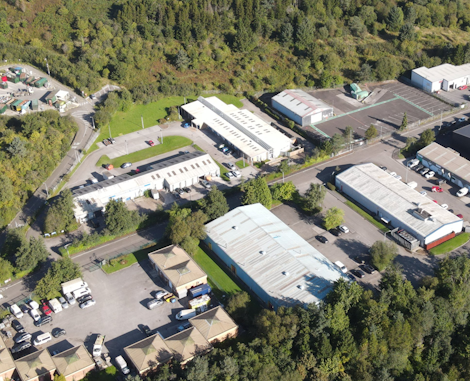
Ascent Training Wales · Bridgend.
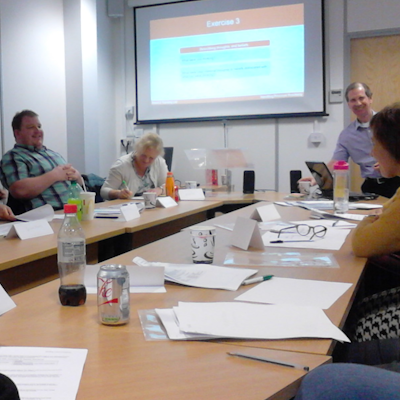
Our conference room is purpose-built for effective training — bright, modern, and fully equipped for workshops, seminars and accredited sessions.
Llynfi Enterprise CentreHeol Ty Gwyn Industrial Estate
Maesteg, Bridgend, CF34 0BQ
Plan and Deliver Projects with Microsoft Project
Build Effective Project Plans
Learn how to create project schedules, define tasks, allocate resources and manage timelines using Microsoft Project.
Monitor Progress and Performance
Develop practical skills to track project milestones, manage budgets, identify risks and keep projects on schedule.
Improve Project Delivery
Discover how Microsoft Project supports better planning, collaboration and reporting to achieve successful project outcomes.
Common questions.
Quick answers to what most people ask before booking. Still need help? Get in touch.
How long is the course and where is it delivered?
How much does it cost and what's included?
When is the next date available?
Is this course eligible for ReACT+ funding?
Can you deliver this course in-house for our team?
From the classroom.
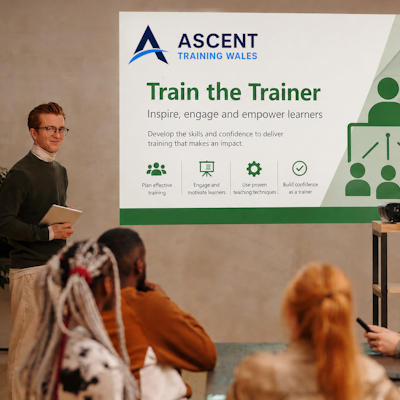
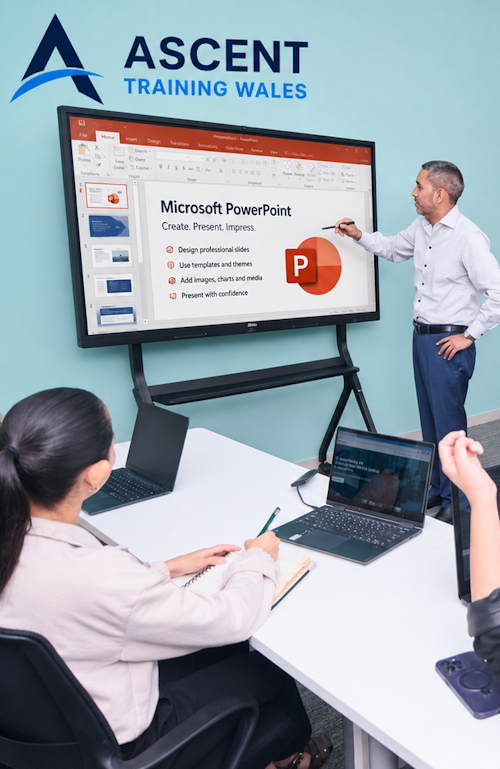
Our Bridgend venue is purpose-built for working learning — bright, modern, configurable for cohorts of four to twelve, with quality AV throughout and free parking right outside.

Llynfi Enterprise Centre · Bridgend · More about our venue →
Plan better. Deliver more.
Microsoft Project is a powerful tool for planning, managing and tracking projects from start to finish. This practical course in Cardiff helps professionals develop the skills to build realistic project plans, manage resources, monitor progress and keep projects on track. Whether you are new to project management or looking to improve your existing skills, the course focuses on practical techniques you can apply in the workplace.
Plan with confidence
Learn how to create structured project plans, define tasks, set milestones and establish realistic timelines for successful delivery.
Manage resources
Understand how to allocate people, time and resources effectively while identifying potential constraints and keeping projects moving forward.
Track project progress
Discover practical ways to monitor progress, identify delays, compare planned and actual performance and respond to issues before they become bigger problems.
Improve project control
Use Microsoft Project to bring greater structure, visibility and accountability to projects, helping teams communicate clearly and make better-informed decisions.
Support Welsh organisations
Develop practical project management skills that can benefit businesses and organisations across Cardiff and Wales, from construction and engineering to professional services, public sector and other project-led environments.
More in Computing.
Courses that pair well with Microsoft Project, or that your team often takes as a sequence.


Ready when you are.
Book Microsoft Project for £195 a seat, or send us a brief and we'll come back with a tailored in-house quote for your team within two working days.